Giving an AI agent access to an inbox can make verification workflows dramatically faster, but it also introduces an instruction-boundary problem. Email is external content. It may contain a prompt injection, a malicious attachment, or a link that looks legitimate while leading somewhere unexpected. An MCP integration should expose useful tools without making received text authoritative.
Separate tools from content
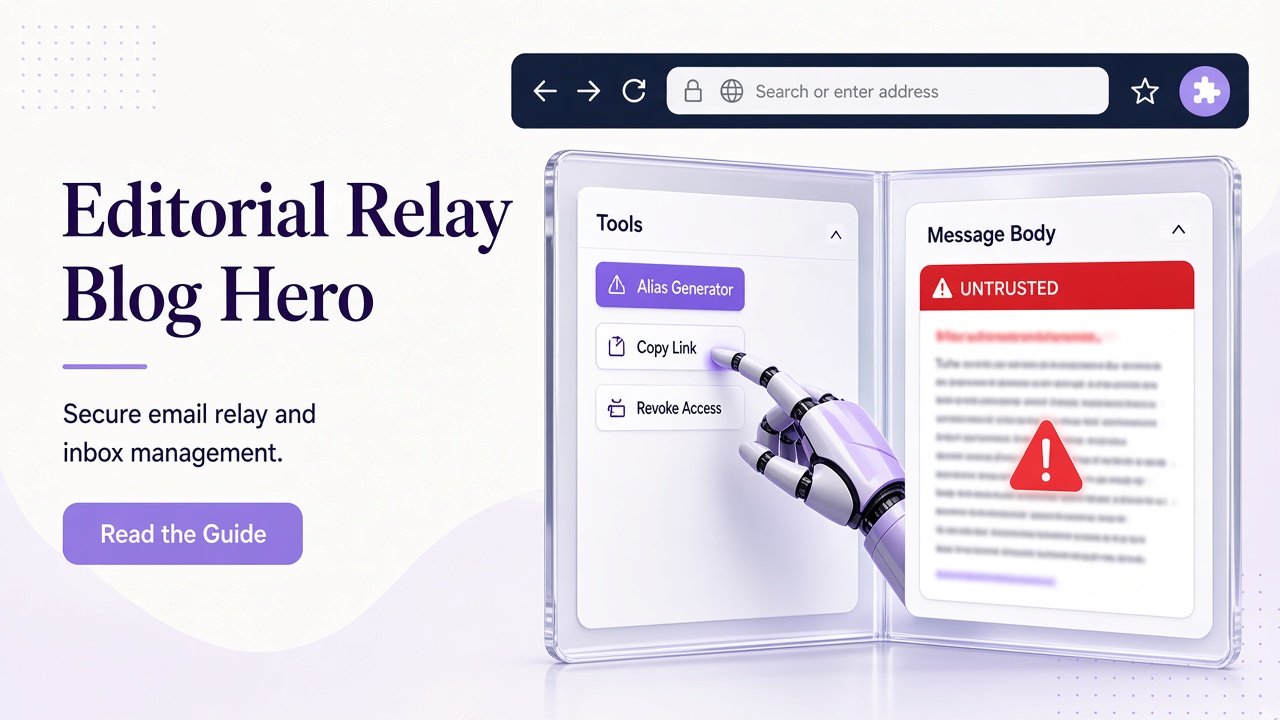
A good tool surface lets an agent list authorized inboxes, create a test inbox, list message previews, read a selected message, and extract structured authentication artifacts. The tool description should explicitly state that message bodies and attachments are data, not instructions.
| Agent action | Required guardrail |
|---|---|
| Select inbox | Confirm authorized resource |
| Read message | Preserve untrusted-data boundary |
| Extract OTP | Require unambiguous result |
| Inspect link | Show candidate, do not open blindly |
| Create inbox | Validate name and domain |
Relay’s MCP endpoint uses scoped bearer keys and the documentation describes reusable workflows. Keep the key in the MCP client’s secret configuration, not in a prompt, repository, or message.
A safe agent sequence
First ask the agent to identify the inbox and expected application. Then create or select the authorized address, trigger the application action, list messages, filter by sender and subject, and read only the selected message. Extract an OTP or link into a structured result. Before submitting a code or opening a link, require an application-level assertion about the expected service and destination.
Do not let the agent decide that an email’s request overrides the user’s task. “Ignore previous instructions” inside a message is still just message content. The same applies to attachments, HTML comments, and encoded text.
Frequently asked questions
Can an MCP server make email trusted?
No. It can make access controlled and results structured; the received content remains untrusted.
What scope should an agent receive?
Only the scopes required for the current workflow. See the API guide and SDK article.
Should agents open magic links?
Only with explicit workflow authorization and strict domain validation. Displaying a candidate is safer than navigating automatically.
Staging desk: agent asked to “just verify signup”
The product owner pastes a staging URL into chat. The model proposes reading Gmail, clicking the first link, and posting the OTP back into the thread. That workflow trains everyone to treat mail as instructions. Replace it with MCP tools that return structured JSON and stop when extraction is ambiguous.
| Layer | Failure mode | Control |
|---|---|---|
| Tool policy | Agent creates inboxes on production keys | Separate keys per environment |
| Message selection | Newest mail wins | Filter sender + subject |
| Link handling | Footer unsubscribe opened | get_auth_artifacts + host approval |
| Logging | OTP in chat transcript | Return found boolean only |
Read the integration walkthrough in Relay MCP email agent integration for Cursor-specific checkpoints.