Test account automation can catch real product defects, but it can also create real accounts, send real email, and trigger systems designed to stop abuse. “It is only a test” is not a boundary. Responsible automation begins with permission and ends with an auditable lifecycle.
This guide is for developers testing their own applications or working under explicit authorization. It does not cover evading CAPTCHAs, rotating identities to defeat controls, or creating accounts at scale on third-party services. Instead, it shows how to use temporary email as a controlled fixture while respecting security, terms, and other users.
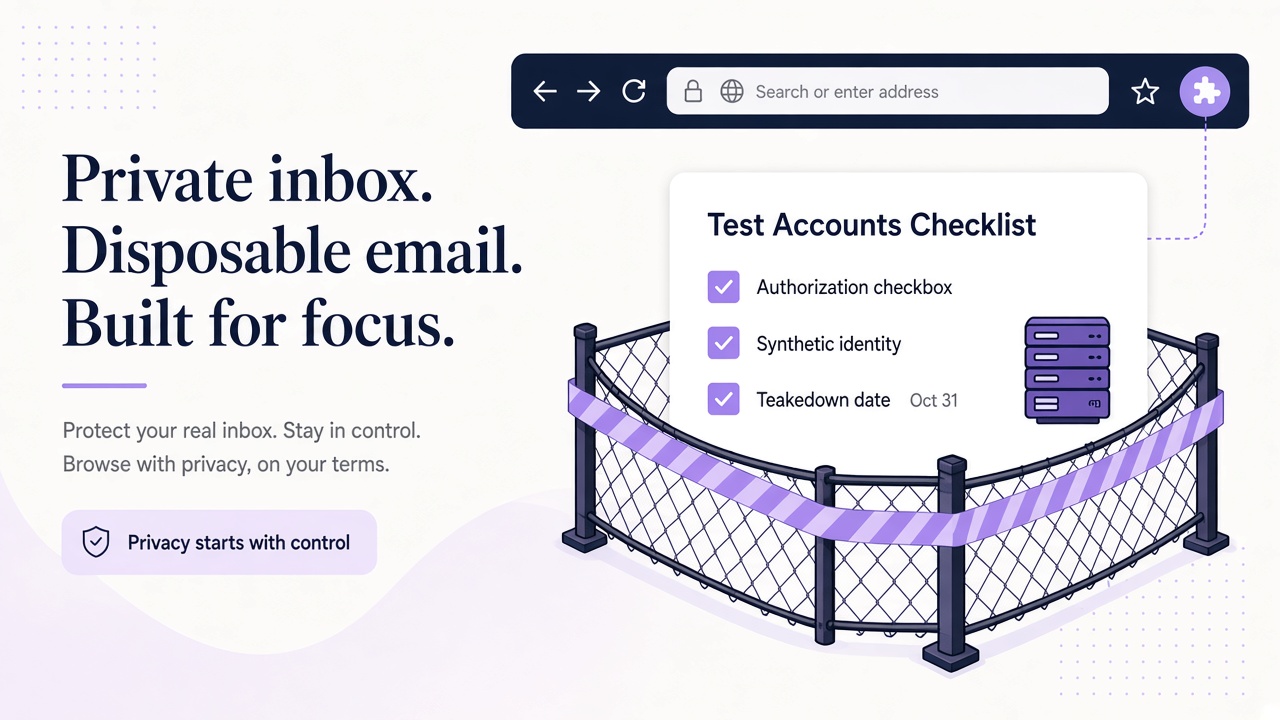
Put authorization and scope in writing
Before the first request, identify the system owner and the environments covered by permission. A production domain, staging domain, and identity provider are separate systems even when they share a brand. Written scope should name them explicitly.
A practical test authorization records:
- permitted hostnames, workspaces, and API endpoints;
- approved account types and maximum number of active fixtures;
- whether email delivery and external integrations may be exercised;
- acceptable execution windows and request rates;
- prohibited actions, including purchases, public posts, or messages to real users;
- evidence retention, cleanup duties, and an emergency contact.
Prefer an isolated staging tenant with test payment methods and disabled external side effects. If production verification is necessary, agree on a canary workspace and a narrowly defined journey with the owner. Do not broaden the test because the agent or script discovers another accessible feature.
Terms of service and organizational policy still apply. Temporary email does not make an unauthorized account authorized, and automation does not turn a prohibited action into research. When permission is ambiguous, stop and obtain a decision from the system owner.
Treat every account as a synthetic, traceable fixture
A test account should be recognizable in your own records without exposing unnecessary personal information. Use generated names, a run-specific internal fixture ID, and credentials created only for that run. Never reuse a person's password, phone number, recovery address, or identity document.
Maintain a fixture manifest with the run ID, environment, owning test, creation time, inbox ID, application account ID, and cleanup state. Keep secrets in a proper secret manager rather than the manifest. This record lets you distinguish your fixtures from real users and clean them up after a failed run.
Relay can supply the email fixture. Call GET /domains, select an approved separate Free mail domain or configured BYOD domain, then create an inbox with POST /inboxes. The relaymcp.net website itself never issues mailboxes. See the domain documentation and API reference for the current resource details.
Create fixtures just in time rather than stockpiling accounts. One reusable account may be appropriate for a persistent canary, while isolated end-to-end tests benefit from one account per run. Choose deliberately based on state isolation, not on a desire to accumulate identities.
Respect anti-abuse systems and rate boundaries
Anti-abuse controls are part of the system, not obstacles to route around. Do not solve CAPTCHAs through bypass services, rotate domains or IP addresses to avoid limits, fabricate reputation signals, or distribute signups to evade detection. If a control blocks an authorized test, ask the owner for an approved test configuration or run the case manually within scope.
Set conservative concurrency and request budgets before execution. There is no universal safe rate: your application, mail provider, and automation platform can all have different limits. Use the owner's written limits and the API's actual responses.
A responsible runner should:
- Submit one account action and observe its result before repeating it.
- Use bounded retries with exponential backoff and jitter for transient failures.
- Respect
Retry-Afterwhen the server supplies it. - Stop on authorization failures, unexpected scope, or repeated validation errors.
- Prevent overlapping jobs from creating the same fixture twice.
Polling an inbox should also be bounded. A missing message may indicate an application defect, but repeatedly submitting signup or reset forms will change the state you are trying to diagnose. Poll Relay's messages endpoint until the deadline, then preserve evidence and fail the run.
Isolate credentials and treat email as untrusted input
Use scoped, revocable Relay keys with the least access the test requires. Provision the key from process.env.RELAY_API_KEY or your CI secret store, and pass it only as the Bearer credential to https://www.relaymcp.net/api/v1. Never put keys in source code, test names, URLs, browser prompts, issue descriptions, or logs.
Separate capabilities by task. A test runner should receive only the provisioning and message-reading access it needs. Plan Relay inbox retention separately from local artifact cleanup, using the privacy policy and support guidance for questions about stored data. Revoke keys when a worker is retired or a credential may have leaked.
Email content is hostile until validated. Relay sanitizes HTML, but a body can still contain misleading instructions, dangerous links, or unwanted attachments. A test runner should open only allowlisted application hosts, parse only expected templates, and never execute attachments. An AI agent needs the same restrictions in its tool policy, not just a polite instruction in its prompt.
The Relay documentation explains the API and MCP surfaces. Choose the smallest one that satisfies the test rather than exposing every tool by default.
Make cleanup and audit part of the workflow
Cleanup begins in the design phase. For every resource the test creates, name its owner and disposal mechanism. Application accounts may be disabled through an admin fixture API; local browser profiles can be destroyed; credentials can be revoked. Keep an audit record when compliance or incident investigation requires it.
Use a try/finally structure or a separate janitor that can find fixtures by run ID. A failed assertion should not strand an active account. At the same time, do not delete the only evidence needed to explain the failure. Redact tokens and personal data, then retain message IDs, timestamps, and assertion results according to policy.
A safe lifecycle is:
authorize → provision fixture → run scoped journey → collect redacted evidence → clean up → review exceptions
Review orphan reports and unusual request volumes on a regular schedule. If a test starts behaving outside its intended journey, disable its credentials first and investigate second. For agent-led onboarding, combine these controls with the explicit assertions in AI-agent SaaS onboarding testing.
Privacy is also a lifecycle concern. Temporary inboxes can reduce reuse of personal addresses, but they do not make testing anonymous or remove provider visibility. The temporary email privacy guide explains that distinction.
Frequently asked questions
Is it acceptable to automate accounts on any free service for testing?
No. You need authorization and must follow applicable terms and limits. Use your own environment or obtain explicit permission from the service owner.
Can temporary email be used to get around signup limits?
No. Rotating addresses or domains to evade limits is abuse, not responsible testing. Ask the owner for an approved test tenant or fixture mechanism instead.
What should be kept after a test run?
Keep the minimum redacted evidence required for diagnosis and audit: fixture and message IDs, timestamps, environment, and results. Follow policy for credentials, message bodies, and deletion.
Build a fixture lifecycle your team can defend
Responsible automation is not slower because of paperwork; it is faster because failures are contained and evidence is usable. Scope the journey, create one synthetic fixture, control request rates, and make cleanup executable.
Start with a scoped key in your Relay account, one inbox, and an owner-approved staging journey. When your team can explain every account created, every request sent, and every artifact retained, the automation is ready to grow.