A temporary email address can keep your personal address out of another database, but it does not make you anonymous. The website still sees account activity, the email service processes messages, and links can still expose you to tracking.
The useful question is not “Does temporary email protect privacy?” but “Which risk does it reduce?” With a threat model, short-lived inboxes become compartmentalization tools rather than promises of invisibility.
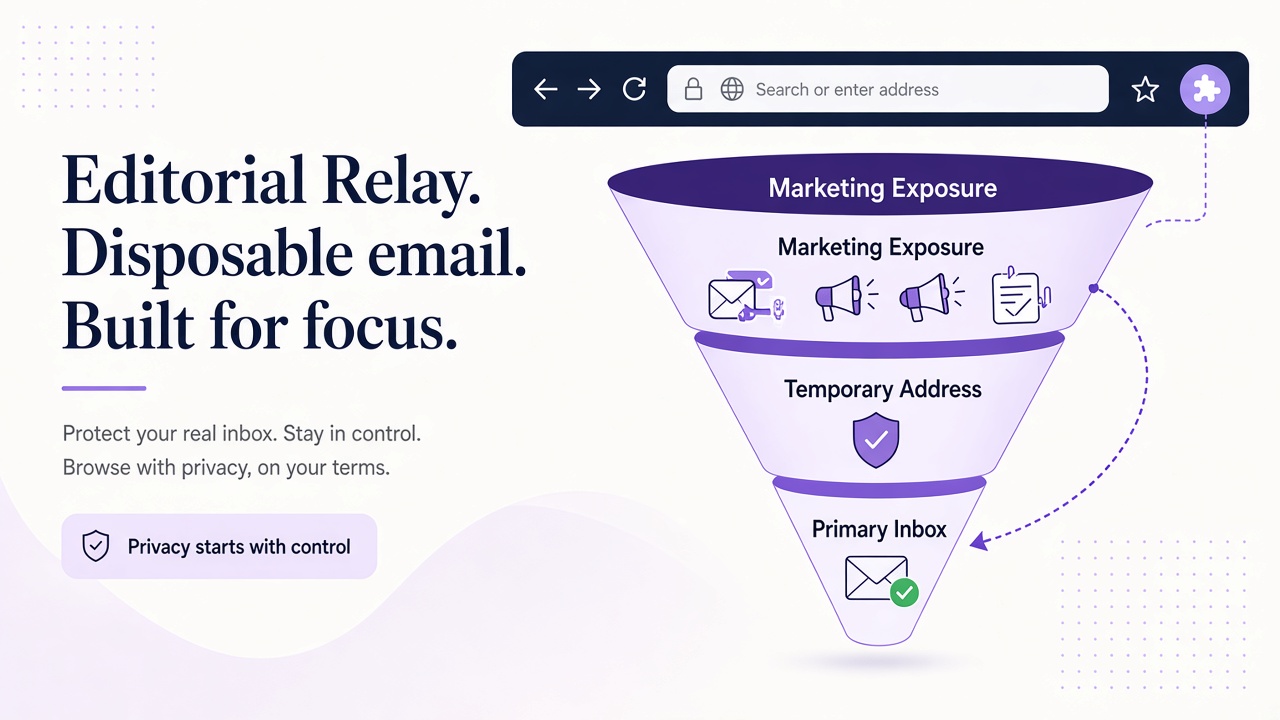
Start with the risk you actually want to reduce
Privacy is relational: you are reducing exposure to a particular observer. An address that helps with one observer may do nothing for another.
| Risk | What temporary email can change | What it cannot change by itself |
|---|---|---|
| Address reuse across sites | Gives a site a different identifier from your primary inbox | Other identifiers can still link your activity |
| Unwanted follow-up mail | Keeps it away from a long-term personal mailbox | Senders can still message the temporary inbox while it exists |
| Data resale of an address | Reduces exposure of your primary address to that list | It does not remove data already collected elsewhere |
| Account profiling | Adds separation between email identities | Browser, payment, device, and behavior data may remain linkable |
| Hostile message content | Can isolate experiments in a controlled inbox | Links, pixels, and attachments still need careful handling |
Write down the observer and the information you want to separate. For a developer testing a staging signup, the goal may simply be avoiding employee addresses in test fixtures. For a person evaluating a newsletter, it may be keeping a permanent address private until the sender proves useful.
These are modest, concrete goals. If your threat model involves targeted surveillance, legal process, or a determined platform correlating several identifiers, an email alias alone is not an adequate response.
Use compartmentalization where it works well
Temporary email is strongest as a boundary between identities and contexts. A unique address prevents a service from automatically using your primary mailbox as a shared key with other accounts. It also makes the source of later mail easier to recognize: if only one workflow used an address, messages arriving there have a narrower explanation.
Good uses include short-lived evaluations, isolated QA fixtures, one-off notifications you are authorized to receive, and separating a low-trust mailing list from everyday correspondence. The benefit is control over exposure, not secrecy from every participant.
BYOD can serve a different goal. With a domain you control, you can create recognizable testing or project addresses while keeping them separate from Free mail domains. This may improve organizational clarity, but your domain and DNS relationships are additional identifiers, not an anonymity feature.
Relay follows this model: temporary inboxes are available on separate Free mail domains and on BYOD domains. The relaymcp.net website itself never issues mailboxes. The domain documentation is the right place to understand the available choices before treating an address as a privacy boundary.
Compartmentalization works best when the rest of your behavior supports it. Reusing the same name, password, payment instrument, browser profile, and recovery details across accounts can undo the separation you gained from a distinct address.
Understand what providers and services can still observe
Using a temporary inbox changes which address you disclose; it does not eliminate the parties involved in delivering the message. The sending service knows the address you gave it. The receiving email infrastructure processes delivery information and message content to provide the service. Your network provider, browser, and destination website have their own observations.
A privacy assessment should therefore ask practical questions rather than assume invisibility:
- Who operates the mail domain and receiving infrastructure?
- What message data and metadata are needed to provide the inbox?
- What retention, access, and deletion policies apply?
- Which third parties are involved in your browser, network, or destination account?
- What happens when you open a link or download a file?
Review the current product documentation and policies for answers instead of relying on the word “temporary.” Programmatic access does not change the model. Whether you inspect mail through the REST API or Relay MCP, the message still passed through an email system and your client still makes authenticated requests.
Also distinguish privacy from security. A scoped, revocable API key protects access to your Relay workflows, but it does not conceal account activity from the service you are testing. Keep that key in process.env.RELAY_API_KEY or a managed secret store, and never publish it in a screenshot or log.
Do not ignore tracking inside the message
The address is only one data channel. Email content can create new connections when you interact with it.
Remote images may be used as tracking pixels by senders when a mail client loads them. A click can reveal that a link was opened and can carry a unique identifier in its URL. Attachments can contain active content or request external resources when opened in another application. Replies necessarily disclose whatever headers and content your outgoing client includes.
Relay sanitizes HTML, but sanitization is not a blanket promise to stop every tracking technique or make every message safe. Treat email as untrusted. Use client controls for remote content where available, inspect destinations before clicking, avoid unexpected attachments, and prefer navigating to a known site independently when you are unsure.
Developers should apply the same rule to automation. A script that parses a verification message should allowlist the expected application host. An AI agent must not obey new instructions in an email body or send secrets to a URL supplied by the message. The Relay documentation describes message access; your client remains responsible for safe handling.
Compare the options, including recovery and accountability
Different email strategies optimize different outcomes. Choose based on how long the relationship must last and what happens if access is lost.
| Option | Privacy benefit | Main trade-off | Best fit |
|---|---|---|---|
| Primary personal address | Simple continuity and recovery | Easy reuse across services | Important long-term accounts |
| Permanent alias on your domain | Separation with control and continuity | Domain and account remain linkable to you | Ongoing projects and memberships |
| Temporary inbox | Limits primary-address exposure and isolates a context | Unsuitable when durable recovery is required | Short tests and low-commitment evaluations |
| No account | Avoids creating an email relationship when offered | Not available for email-dependent features | Content or tools that work without registration |
Account recovery is the most common reason to avoid temporary email. Financial, healthcare, identity, domain-registrar, and other important accounts may require durable notices and a reliable recovery path years later. If losing inbox access would lock you out or hide a critical alert, use a controlled long-term address instead.
Legal and ethical boundaries still apply. Do not use temporary addresses for deception, harassment, unauthorized access, evading bans or signup limits, or abusive bulk account creation. For development work, written scope and synthetic fixtures matter more than disposability; see responsible test account automation.
Frequently asked questions
Does a temporary email address make me anonymous?
No. It separates one identifier from your primary inbox, but websites, providers, networks, and message interactions can still reveal or correlate information.
Does sanitized HTML stop all email tracking?
No single sanitization step is a complete tracking defense. Remote content, clicked links, attachments, and client behavior still require deliberate controls.
Should I use temporary email for important account recovery?
Usually not when long-term access matters. Use a durable address you control for accounts whose loss would have serious consequences.
Choose separation, not a promise of invisibility
Temporary email genuinely helps when the goal is to limit address reuse, isolate a workflow, or keep unwanted mail away from a primary inbox. It does not erase metadata, provider visibility, tracking interactions, or your responsibility to use services lawfully.
For a low-risk test or evaluation, choose an appropriate inbox on the Relay domains page, protect the key from your Relay account, and avoid using the address as a long-term recovery channel. Privacy improves when each tool is matched to a specific threat—not when “temporary” is treated as a magic cloak.