Email verification tests become fragile when every test reimplements HTTP requests, polling, parsing, and resource tracking. The official Relay TypeScript SDK gives Node.js projects one typed client for inboxes, messages, OTPs, webhooks, and events.
Why use the SDK instead of raw HTTP?
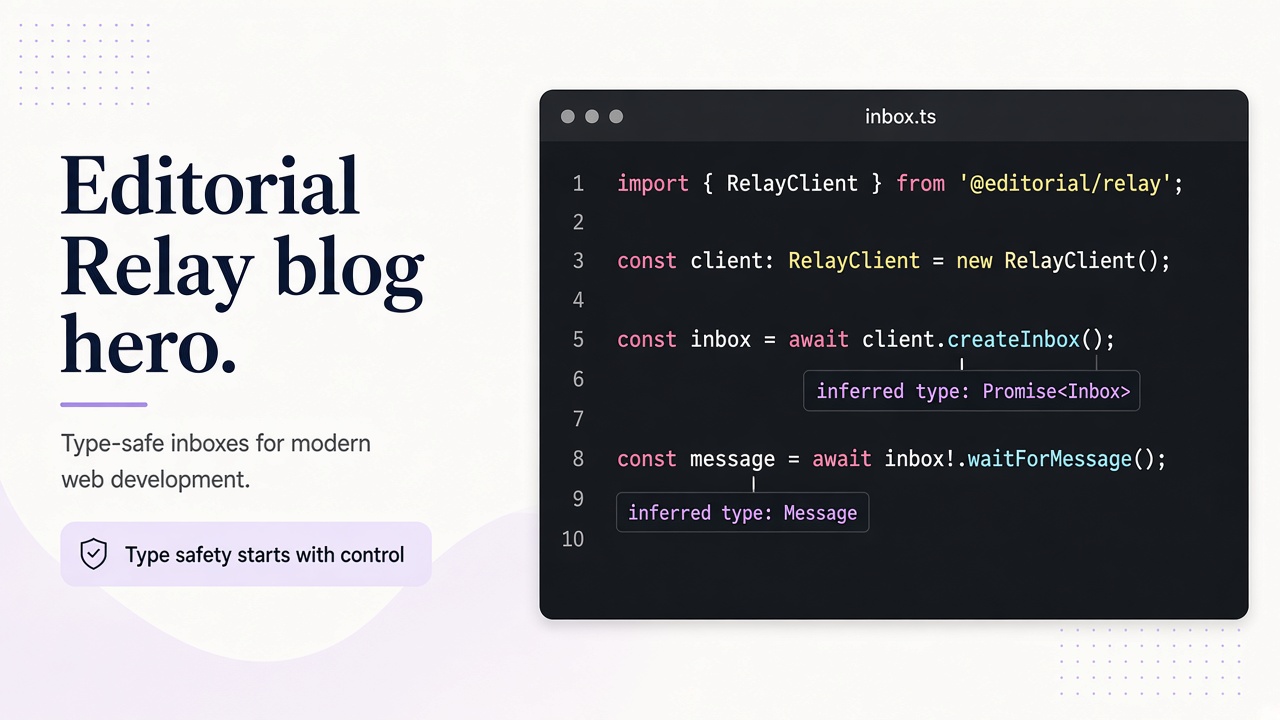
A typed client makes the workflow visible in code. Your test can create an inbox, trigger the application event, wait for a matching message, read the message, and extract a code without repeating URL construction or authorization headers. The SDK is dependency-free and works well in Node.js services, Playwright fixtures, Cypress tasks, and CI jobs.
| Task | SDK responsibility | Your test responsibility |
|---|---|---|
| Provision | Create and identify an inbox | Choose a safe test name |
| Delivery | List and read messages | Trigger the product email |
| Verification | Extract OTPs and links | Assert the expected result |
| Lifecycle | Track inbox and message identifiers | Review retention and support guidance |
A practical verification flow
import { RelayClient } from "@relaymcp/sdk";

const relay = new RelayClient({ apiKey: process.env.RELAY_API_KEY! });
const inbox = await relay.inboxes.create();
await app.register({ email: inbox.address });
const message = await relay.messages.wait(inbox.id, { timeoutMs: 30_000 });
const code = await relay.messages.otp(message.id);
if (!code) throw new Error("No unambiguous OTP found");
await app.verify(code);
Keep credentials in CI secrets, use a separate inbox per test or worker, and record message IDs rather than full message bodies in logs. The API documentation explains scopes and the privacy policy explains how message data is handled.
Operational checklist
A reliable SDK integration starts before the first request. Create a dedicated API key for the test environment, give it the smallest useful scope, and keep it in the secret store used by the runner. Never commit it to a repository or print the client configuration when a test fails. Name test inboxes with a run identifier when the API supports it, or persist the returned inbox ID in the test context so later diagnostics identify exactly the resource created by that run.
Treat delivery as asynchronous. The application may enqueue a message, an SMTP hop may take a moment, and the inbox index may update after delivery. Use the SDK wait or polling helper with a bounded timeout rather than an unbounded loop. Match the expected sender, subject, or recipient before accepting a message. This prevents a previous test or an unrelated notification from satisfying the assertion.
When a test fails, capture the run ID, inbox ID, message ID if one exists, elapsed time, and a redacted error. That evidence is enough to distinguish an application delivery bug from a client timeout without exposing the whole email. Keep local diagnostic artifacts only as long as the investigation requires. Relay inboxes have no fixed expiry, and switching addresses does not remove existing mail. For longer-lived debugging, protect inbox access and consult support for retention and data-handling questions.
Frequently asked questions
Is this only for temporary email?
No. Relay supports guest inboxes, account-owned inboxes, and connected domains.
Should tests share one inbox?
Usually no. Isolated inboxes reduce race conditions and make failures easier to diagnose.
What comes next?
Use the CLI for local debugging and the Python client for backend suites.
Package boundary in a monorepo
Your UI app, Playwright package, and smoke-test CLI should share one thin wrapper around RelayClient so retry policy and logging stay consistent.
| Consumer | Import style | Secret location |
|---|---|---|
| Playwright fixture | Dynamic import in Node | process.env |
| Express service | Singleton client | Secret manager |
| GitHub Action | Official action or SDK | secrets.RELAY_API_KEY |