The Relay browser extension brings the core inbox workflow into a compact Chrome popup. It is designed for the moment when a verification email arrives during a browser task: create an inbox, copy its address, open the message, and copy a safe OTP or magic link.
What the extension is for
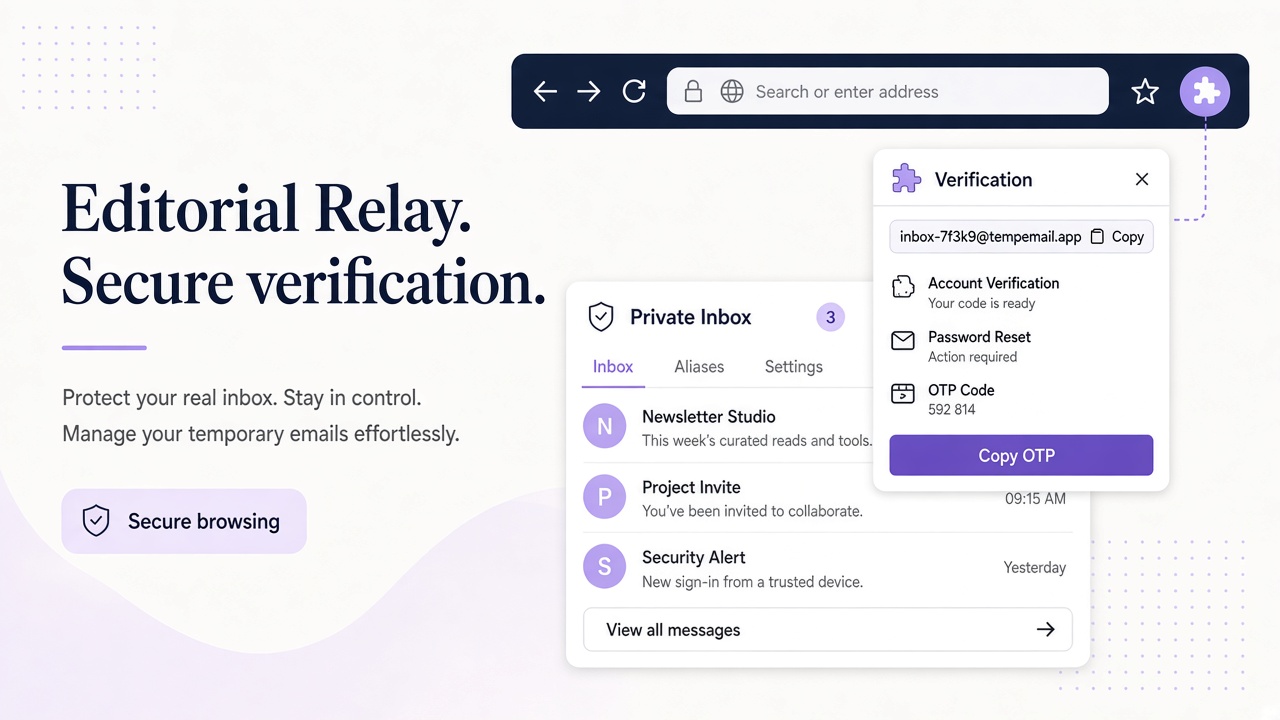
| Action | Why it helps |
|---|---|
| Create an inbox | Start a focused browser task quickly |
| Copy address | Paste into a signup or test form |
| Read messages | Keep verification mail beside the workflow |
| Copy OTP | Avoid transcription errors |
| Copy magic link | Require a single safe HTTPS candidate |
The extension uses a short-lived Relay session flow rather than asking users to paste an API key into the popup. Local storage keeps interface preferences, the active inbox reference, and read state. The privacy policy explains the data boundary, while support lists safe troubleshooting details.
Email remains untrusted content. The reader sanitizes HTML, strips active elements and tracking resources, and renders the message in a sandbox. A copied link should still be checked against the expected service and domain. An unambiguous OTP is safer than blindly selecting the first number in a message.
A focused browser workflow
Create the inbox before submitting the form, keep the address visible, and wait for the message list to update. Open the message once it arrives; opening it marks it as read locally so refreshing the popup does not recreate the unread state. Review saved access details when the workflow ends. Switching addresses does not remove existing inboxes or messages; contact support for retention and data-handling questions.
Frequently asked questions
Does the extension store an API key?
No. The extension does not request an API key in the popup.
Which browsers are supported?
Chrome is available in the Chrome Web Store. Firefox is not in the Mozilla Add-ons store yet.
Can it replace the SDK?
No. It is optimized for interactive browser tasks; use the SDK or CLI for automation.
Popup workflow timeline
| Minute | Action |
|---|---|
| 0 | Open extension, create inbox |
| 0:05 | Paste address into form |
| 0:30 | Message arrives, HTML sanitized |
| 0:35 | Copy OTP or HTTPS magic link |
The extension cannot delete messages—plan retention using support guidance, not UI controls that do not exist.