Developers often switch between a browser, terminal, and test runner while debugging email. The right Relay interface depends on who is driving the workflow and whether the result must be repeatable. A browser extension is excellent for interactive tasks; an SDK or API is better for application logic; a CLI is useful when investigating a live test from a terminal.
| Interface | Best for | Trade-off |
|---|---|---|
| Browser extension | Interactive signup and OTP copying | Manual workflow |
| REST API | Custom services and test infrastructure | You own orchestration |
| TypeScript SDK | Node.js and Playwright | Language-specific |
| Python client | pytest and backend tests | Language-specific |
| CLI | Debugging and shell automation | Less ergonomic for apps |
| MCP | Authorized agent workflows | Requires agent guardrails |
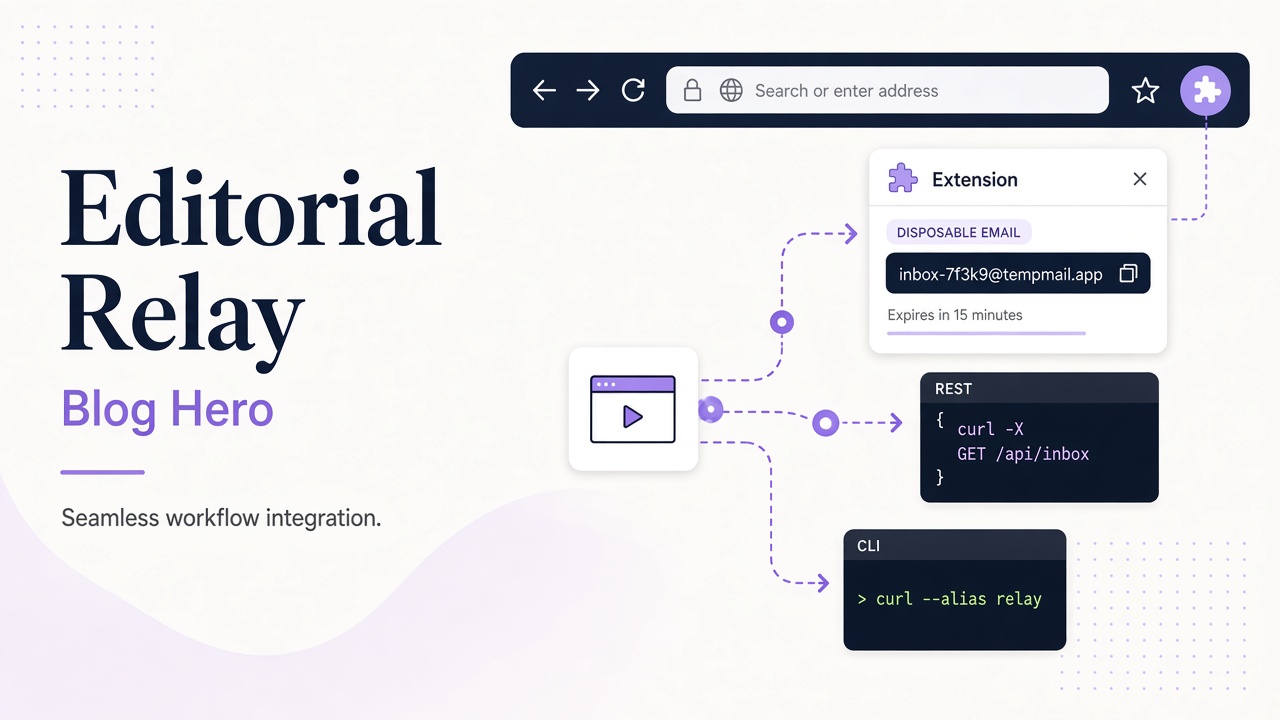
The browser extension keeps a focused inbox near the task and avoids putting an API key into the popup. For repeatable tests, use the SDK article or GitHub Action. The CLI guide is useful when a developer needs to inspect delivery without opening an application dashboard.
Design one workflow, multiple interfaces
Keep the underlying sequence the same: provision or select an authorized inbox, trigger the email, wait for a matching message, read it, extract a code or link, and assert the application result. Changing interface should not change the security boundary. Do not copy full messages into tickets, and do not treat an email link as safe without checking its destination.
Frequently asked questions
Is the extension suitable for CI?
No. Use the API, SDK, CLI, or GitHub Action for unattended workflows.
Which interface should a new developer start with?
Use the extension for a quick manual proof, then move the stable workflow to the API or language client.
Can agents use the extension?
Agent workflows should use scoped MCP tools and explicit content boundaries. See the MCP guide.
Choose an interface in under a minute
| You are… | Start here | Move to… when repeatable |
|---|---|---|
| Manually reproducing a bug | Chrome extension | REST API |
| Writing Playwright | TypeScript SDK | GitHub Action |
| Debugging production mail | CLI | Webhooks |
| Building an agent | MCP | Scoped REST |
Firefox is not listed in the Mozilla Add-ons store yet; plan API automation for unattended Firefox CI.