The browser is useful for reading a message, but a terminal is often the fastest place to debug an email workflow. The official Relay CLI provides a small, scriptable interface for creating inboxes, listing messages, reading content, extracting OTPs, and checking delivery during development.
A CLI workflow has three useful layers
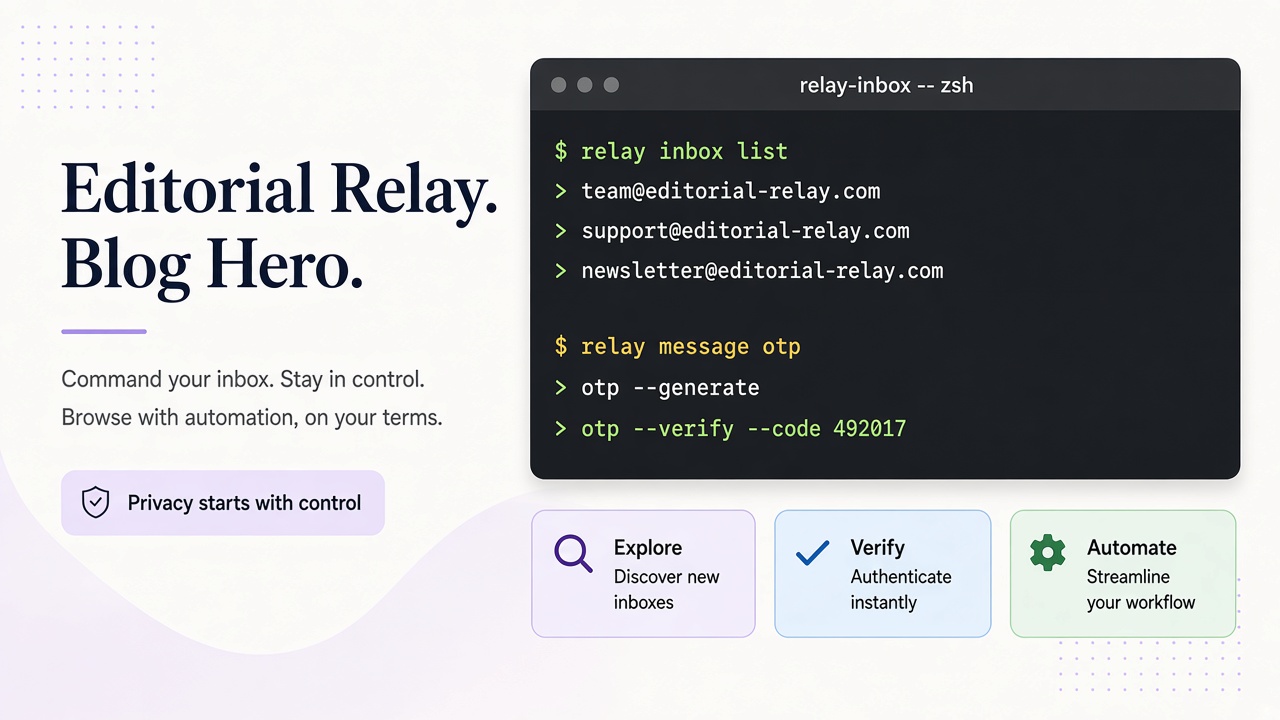
| Layer | Example | Benefit |
|---|---|---|
| Explore | relay inbox list |
See current test state |
| Verify | relay message otp <id> |
Inspect the exact assertion value |
| Automate | relay inbox create --json |
Feed output to a script or CI job |
The CLI uses the same API contract as the TypeScript SDK. That consistency matters: a failure reproduced locally can use the same inbox and message identifiers in a CI investigation.
export RELAY_API_KEY="..."
relay inbox create --json
relay message list --inbox <inbox-id>
relay message read <message-id>
relay message otp <message-id>
Use --json when another process consumes the output. Do not pipe raw message bodies into public logs; redact addresses, links, and verification tokens. For a local smoke test, keep the access key in your shell secret store and revoke it from the account area when it is no longer needed.
Debugging delivery methodically
First confirm that the inbox exists. Next verify that the application sent to the address displayed by the CLI. Then list messages and inspect timestamps. If a message exists but the assertion fails, read the sanitized body and use the OTP command rather than copying a visually similar number. This separates delivery failures from parsing failures.
Frequently asked questions
Can the CLI run in CI?
Yes. Store the key as a CI secret and use JSON output.
Is the CLI a replacement for the SDK?
No. The CLI is for humans and shell scripts; the SDK is better for application logic.
Where are API details?
See the OpenAPI reference and support guide.
When the terminal beats the dashboard
Picture a failed GitHub Actions job at 2 a.m. The web UI shows “verification timeout,” but you still need the inbox ID, whether any message arrived, and whether the OTP command returned ambiguity. Opening another browser tab to a disposable-mail site breaks the flow. The CLI keeps those checks in the same shell session as gh run view and kubectl logs.
| Step | CLI command | What you learn |
|---|---|---|
| 1 | relay inbox list --json |
Which test inboxes still exist |
| 2 | relay message list --inbox <id> |
Whether mail landed after SMTP |
| 3 | relay message read <msg-id> |
Subject/sender before parsing |
| 4 | relay message otp <msg-id> |
Structured OTP vs regex guess |
Cross-link the same identifiers in the TypeScript SDK guide and the CI email testing guide so local reproduction matches pipeline logs.
Frequently asked questions
Should I commit CLI output to tickets?
Paste inbox and message IDs only. Redact addresses if the ticket is customer-visible.
Does the CLI support webhooks?
No. Configure webhooks through the API; use the CLI to replay inbox state while debugging receivers.