A green pipeline on Friday becomes a red one on Monday with no application diff. The culprit is almost always email: two jobs shared an inbox, a retry doubled the signup messages, or a 120-second sleep masked a delivery bug until the runner timed out.
Email verification belongs in CI the same way database fixtures do—as isolated, disposable state with explicit teardown rules.
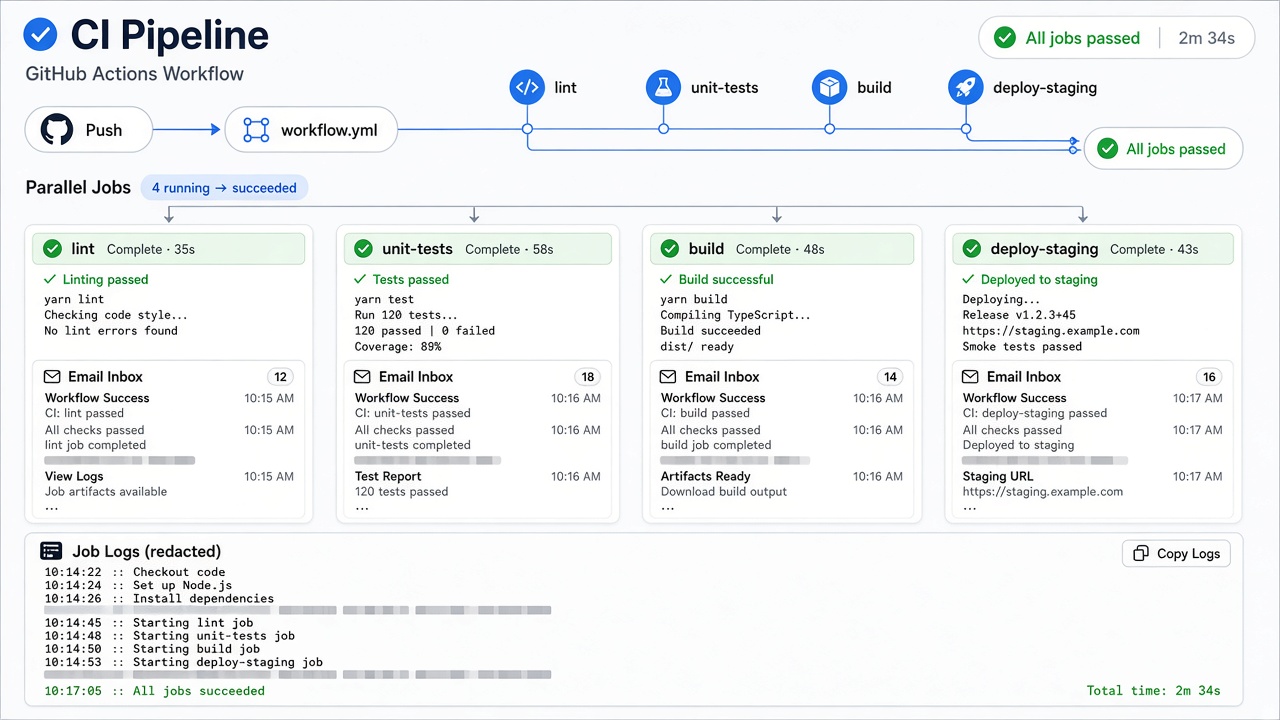
Why local success lies
Laptop tests run serially. CI runs four, eight, or thirty workers that start at the same second. A single shared temp address is a race. Consumer 10 Minute Mail style services even warn that the session ends when you leave the page—unsuitable for queued runners.
Relay provisions one inbox per job, polls with a deadline instead of a blind sleep, and logs inbox IDs rather than OTP values—useful wording for an internal testing standards page.
Pipeline design table
| Concern | Anti-pattern | Better approach |
|---|---|---|
| Credentials | Key in repo | RELAY_API_KEY secret |
| Isolation | Global inbox env var | Fixture creates per-test inbox |
| Waiting | sleep(10000) |
Poll until match or deadline |
| Assertions | Body substring only | Sender, subject, structured OTP |
| Retries | Whole spec rerun | Retry transient HTTP inside wait |
| Logs | Console.log(code) | Print IDs and elapsed ms |
GitHub Actions sketch
jobs:
  e2e:
    runs-on: ubuntu-latest
    steps:
      - uses: actions/checkout@v4
      - uses: actions/setup-node@v4
      - run: npm ci && npx playwright install --with-deps
      - run: npm run test:e2e
        env:
          RELAY_API_KEY: ${{ secrets.RELAY_API_KEY }}
          BASE_URL: https://staging.example.test
Use the official GitHub Action when you want maintained wait helpers, or the TypeScript SDK inside your own scripts.
Diagnosing timeouts without leaking mail
When mail does not arrive:
- Confirm the application log shows enqueue/send for the fixture address.
- Print Relay inbox ID and poll duration.
- Capture expected sender/subject patterns.
- Stop. Do not dump MIME to the console.
If mail arrives but parsing fails, switch diagnostics to the OTP guide.
Retries and idempotency
Re-running a failed signup test without a new inbox can leave two messages with different codes. Either create a new inbox on retry or select the latest message by timestamp. Never reset the poll deadline just because one HTTP request errored—that turns a 45-second test into a 15-minute hang.
FAQ
Should we reuse a "CI inbox" to save API calls?
Only for strictly serial jobs. Parallel matrices need parallel inboxes.
How long should we wait?
Start with 45–60 seconds for staging SMTP, measure reality, then codify the limit.
Does Relay auto-delete CI mail?
Inboxes do not expire on a timer; protect access credentials and minimize stored artifacts. See docs and support.
Where do Playwright examples live?
Read the expanded Playwright verification guide and the classic Playwright collection.
Secrets rotation and forked PRs
Forked pull requests must not receive production API keys. Use repository secrets only on trusted branches, or inject a dedicated staging key through your deployment platform. When a key appears in logs, revoke it from /account before chasing the functional failure.
Document which environments may create inboxes. A preview deployment that reuses a production key can accidentally couple unrelated tests. Scoped keys with the minimum inboxes:write and messages:read scopes limit what a leaked secret can touch.
Measure wait time, not just pass rate
Track median mail_wait_ms per suite. Rising wait time often signals SMTP backlog, template mistakes, or over-eager retries long before tests time out. Compare against the API rate limit guide when matrices spawn dozens of pollers at once.