Cypress runs browser code and Node code in different contexts, and that difference is exactly what makes email verification testing safer. The browser can fill a signup form and submit a code, while a Cypress task keeps the Relay API key on the Node side. There is no reason to ship mailbox credentials to the application under test.
A robust flow has four steps: create a unique inbox, trigger your application’s normal verification email, poll Relay from a task, and return only the parsed code to Cypress. Avoid fixed sleeps and shared mailboxes. They turn ordinary delivery variation into flaky tests and allow one spec to consume another spec’s code.
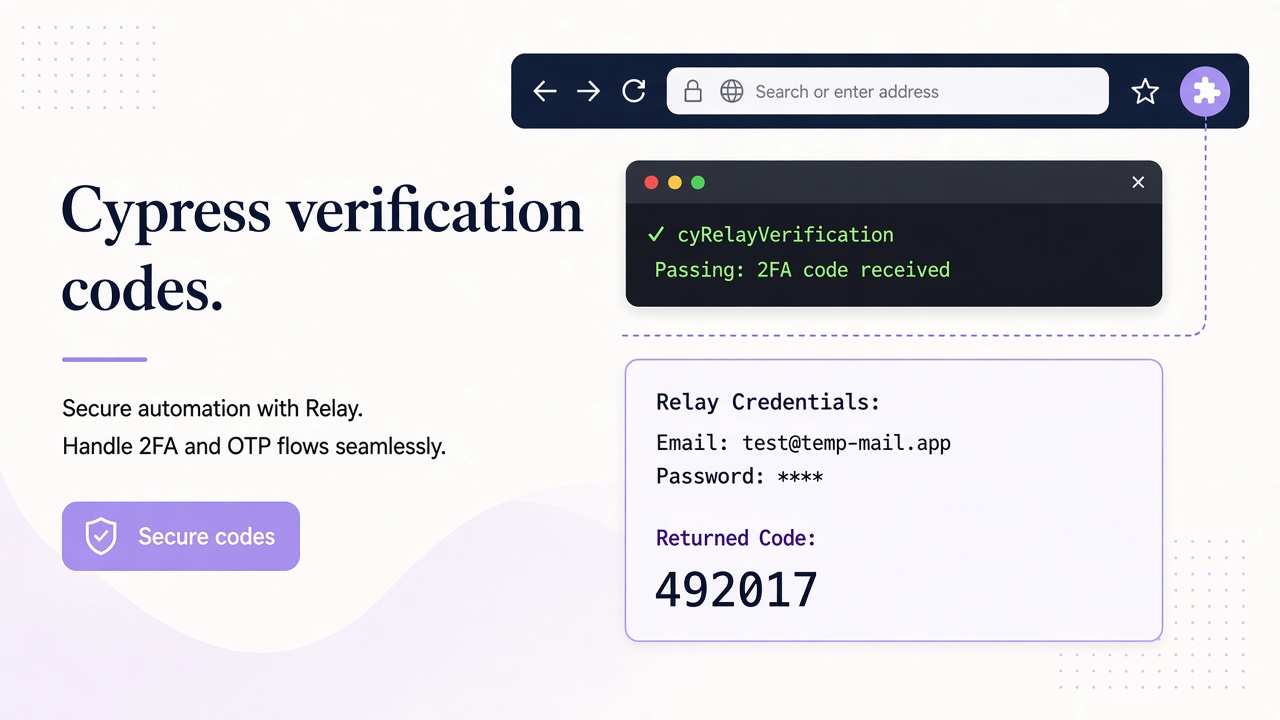
Use this only for authorized test mail; it neither bypasses verification nor opens arbitrary inboxes.
Keep Relay credentials in a Cypress Node task
Cypress tasks execute in the Node process loaded by cypress.config.ts. Browser-side spec code calls those tasks with serializable arguments and receives serializable results. Put every Relay request in the task layer, and return only an inbox address to start the flow and a code when the expected message arrives.
Use a Relay key with inbox read, inbox write, and message read scopes. Store it as process.env.RELAY_API_KEY in local environment configuration or CI secrets. Never expose it through CYPRESS_ environment variables intended for browser tests, cy.env(), fixtures, or application JavaScript.
These tasks use the documented Relay REST API at https://www.relaymcp.net/api/v1 with Bearer authentication.
Create a fresh inbox for every attempt
Let Relay generate the address by posting an empty JSON object to /inboxes. This avoids naming collisions across workers and keeps the example independent of a particular domain. If your test policy requires a user-owned domain, pass its domain value explicitly after verifying it through GET /domains.
Here is a complete cypress.config.ts using Node’s built-in fetch:
import { defineConfig } from "cypress";

const API = "https://www.relaymcp.net/api/v1";

type Inbox = { id: string; address: string };
type WaitInput = { inbox: Inbox; notBefore: number; timeoutMs?: number };
type Message = {
  id: string;
  recipient: string;
  body: string;
  created: number;
};

async function relay<T>(path: string, init: RequestInit = {}): Promise<T> {
  if (!process.env.RELAY_API_KEY) throw new Error("RELAY_API_KEY is not configured");
  const response = await fetch(`${API}${path}`, {
    ...init,
    headers: {
      Authorization: `Bearer ${process.env.RELAY_API_KEY}`,
      "Content-Type": "application/json"
    }
  });
  if (!response.ok) throw new Error(`Relay returned HTTP ${response.status}`);
  return await response.json() as T;
}

async function waitForCode(input: WaitInput): Promise<string> {
  const deadline = Date.now() + (input.timeoutMs ?? 60_000);
  while (Date.now() < deadline) {
    const page = await relay<{ messages: { id: string; created: number }[] }>(
      `/inboxes/${input.inbox.id}/messages?limit=30`
    );
    for (const preview of page.messages) {
      if (preview.created < input.notBefore) continue;
      const { message } = await relay<{ message: Message }>(
        `/inboxes/${input.inbox.id}/messages/${preview.id}`
      );
      if (message.recipient !== input.inbox.address) continue;
      const match = message.body.match(/Your verification code is\s*(\d{6})/i);
      if (match) return match[1];
    }
    await new Promise((resolve) => setTimeout(resolve, 1_500));
  }
  throw new Error("Verification email did not arrive before the polling deadline");
}

export default defineConfig({
  e2e: {
    baseUrl: process.env.CYPRESS_BASE_URL ?? "http://localhost:3000",
    setupNodeEvents(on) {
      on("task", {
        "relay:createInbox": async () => {
          const result = await relay<{ inbox: Inbox }>("/inboxes", {
            method: "POST",
            body: "{}"
          });
          return result.inbox;
        },
        "relay:waitForCode": (input: WaitInput) => waitForCode(input)
      });
    }
  }
});
The task returns structured data, not the API key or full message. HTTP errors include only a status code, which keeps credentials and email bodies out of test output.
Poll and parse only the expected message
The polling task uses GET /inboxes/:id/messages?limit=30 to obtain previews, then calls GET /inboxes/:id/messages/:messageId for each recent candidate. Full bodies belong to the individual message response, so parsing only the preview list would be unreliable.
The recipient and timestamp checks ensure the message belongs to this signup attempt. The unique inbox provides stronger isolation than either filter alone. If your application sends several types of mail, add an exact sender or subject check before parsing.
Use a regular expression anchored to the plain-text template you own. Your verification code is is an example of such an anchor; change it when your authorized test application uses different wording. This parser belongs to your test code and is not a built-in Relay OTP extraction feature.
Avoid selecting any six digits from the entire message. Footers, dates, support numbers, and links can all contain digit sequences. Also avoid executing or embedding the returned HTML. Relay sanitizes HTML, but received email remains untrusted data and should be treated only as input to a strict parser.
The deadline bounds every read attempt, and the delay prevents a tight request loop. On timeout, return a concise error rather than dumping message subjects or bodies.
Drive the Cypress spec without fixed sleeps
Use stable data-testid attributes for controls whose sole purpose is testing, or use accessible roles if your project already has a consistent locator convention. The following spec uses explicit test IDs and a fresh inbox for each attempt:
it("verifies an account using its email code", () => {
  cy.task("relay:createInbox").then((created) => {
    const inbox = created as { id: string; address: string };
    const notBefore = Date.now();

    cy.visit("/signup");
    cy.get("[data-testid=signup-email]").type(inbox.address);
    cy.get("[data-testid=create-account]").click();
    cy.get("[data-testid=verification-sent]").should("be.visible");

    cy.task(
      "relay:waitForCode",
      { inbox, notBefore, timeoutMs: 60_000 },
      { timeout: 75_000 }
    ).then((code) => {
      cy.get("[data-testid=verification-code]").type(String(code));
      cy.get("[data-testid=verify-email]").click();
      cy.location("pathname").should("eq", "/account");
    });
  });
});
There is no cy.wait(5000). Cypress waits for the visible verification state, while the Node task waits for actual mail. The task timeout exceeds the polling deadline so Relay’s own error is more likely to explain the failure.
If Cypress test retries are enabled, beforeEach or shared fixtures must not cache the inbox. Each attempt should create a new one. Also ensure the application allows a retry to register with fresh state rather than blocking the same browser or account artifact.
Use these operational boundaries to keep failures actionable:
- Trigger only one signup email per attempt unless resend behavior is the subject of the test.
- Give every parallel worker its own inbox and application test data.
- Poll on an interval with a maximum deadline instead of sleeping once.
- Assert the final verified state, not merely a successful form submission.
- Keep API errors free of response bodies and authorization headers.
- Track delivery timeouts separately from invalid-code failures.
Treat provider delays as integration failures, not a reason for unlimited retries. Investigate repeated timeouts with provider and application telemetry.
The companion Playwright guide uses the same isolation principles if your repository runs both browser frameworks.
Handle CI secrets and cleanup safely
Expose RELAY_API_KEY only to Cypress’s Node process in the CI job. Mask the generated address and returned code if they can appear in runner output, and review screenshots or videos before publishing them as artifacts. A failure screenshot may contain the email address even when your own logs are clean.
Use a dedicated test account with scoped, revocable keys from the account page. Keep production credentials out of browser test jobs, and revoke a key when its owning pipeline changes.
Treat test mail as retained data and monitor the dedicated account. Keep afterEach focused on local fixture resources and supported application teardown, without assuming that changing Relay addresses removes stored mail. Review the privacy policy and contact support for data-handling questions.
Frequently asked questions
Why use a Cypress task instead of fetch in the spec?
A task runs in Node, so the API key stays outside the browser and the application under test. The browser receives only the minimum data needed for the test: the inbox address and the parsed code.
Can one inbox be shared across Cypress specs?
It is safer not to share one. Parallel specs can read each other’s messages or extract the wrong code. Create an inbox per attempt and pass that inbox object directly from the creation task to the polling task.
Does Relay automatically extract one-time passwords?
No built-in OTP extraction is assumed here. The Cypress Node task reads the plain-text body and applies a template-specific regular expression controlled by your test suite.
Conclusion: return a code, not a mailbox credential
The clean Cypress design keeps Relay access in Node and browser actions in the spec. A unique inbox prevents cross-test reads, bounded polling replaces arbitrary waits, and strict parsing prevents accidental matches. Add scoped CI credentials and a realistic retention policy, and email verification becomes a dependable end-to-end assertion instead of a timing-sensitive workaround.