An email test that works on a laptop can become unsafe in CI. The key appears in a log, a failure artifact contains a live verification link, or four parallel jobs consume one another’s messages. These are pipeline design problems, not reasons to avoid end-to-end email coverage.
A good GitHub Actions workflow gives each run a fresh Relay inbox, restricts credentials to one step, polls with a deadline, and publishes only non-sensitive diagnostics. The application still sends email through its normal provider; Relay supplies the real receiving inbox used by the test.
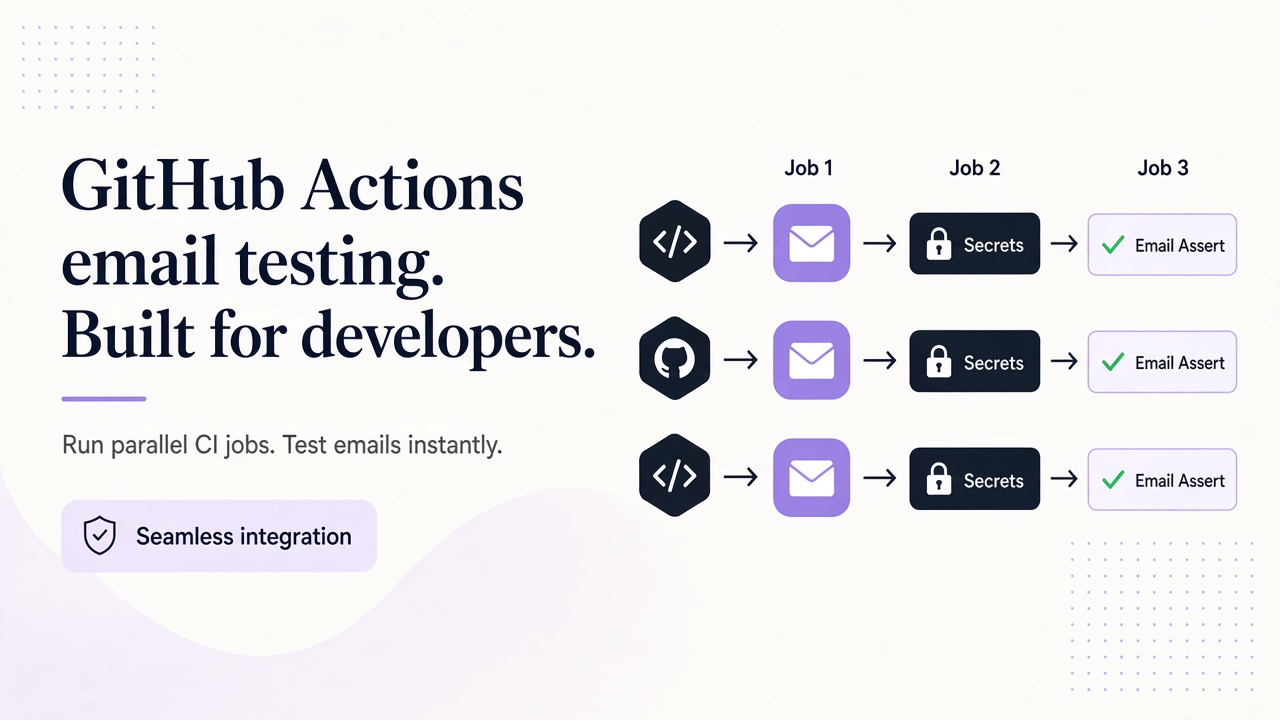
This example uses Node 22’s built-in fetch and Playwright’s browser API. Add @playwright/test to devDependencies so npm ci installs its lockfile version. The workflow and script create an inbox, complete a signup, mask derived values, and write a sanitized result artifact.
Design the CI trust boundary first
Use a dedicated Relay account for the test environment. Create a revocable key with inbox read, inbox write, and message read scopes, then store it as the GitHub Actions secret RELAY_API_KEY. Keep this credential limited to the supported provisioning and reading operations needed by the test; avoid adding unrelated capabilities for teardown.
Set the application URL as the Actions variable E2E_BASE_URL. The script assumes the application has a /signup page with the test IDs shown below and redirects a verified user to /account. Adapt those application-specific locators without changing the Relay pattern.
The Relay API documentation defines the REST operations. POST /inboxes creates an address, GET /inboxes/:id/messages?limit=30 lists previews, and GET /inboxes/:id/messages/:messageId returns the full message. Relay receives mail; the workflow does not call a Relay sending endpoint to trigger verification.
Keep the staging provider configuration close to production. If CI uses a separate provider account, record that difference so a green test is not mistaken for production deliverability evidence.
Keep the job’s GitHub token permission at contents: read. Email testing does not require repository write access, packages access, or deployment privileges.
Add the end-to-end GitHub Actions workflow
Save the following workflow as .github/workflows/email-flows.yml:
name: email-flows
on:
  pull_request:
    paths:
      - "app/**"
      - "tests/email-flow.mjs"
      - ".github/workflows/email-flows.yml"
  workflow_dispatch:

permissions:
  contents: read

concurrency:
  group: email-flows-${{ github.ref }}
  cancel-in-progress: true

jobs:
  verify:
    runs-on: ubuntu-latest
    timeout-minutes: 10
    strategy:
      fail-fast: false
      matrix:
        shard: [1, 2]
    steps:
      - uses: actions/checkout@v4
      - uses: actions/setup-node@v4
        with:
          node-version: 22
          cache: npm
      - run: npm ci
      - run: npx playwright install --with-deps chromium
      - name: Verify real email signup
        run: node tests/email-flow.mjs
        env:
          RELAY_API_KEY: ${{ secrets.RELAY_API_KEY }}
          E2E_BASE_URL: ${{ vars.E2E_BASE_URL }}
          EMAIL_TEST_SHARD: ${{ matrix.shard }}
      - name: Upload sanitized result
        if: always()
        uses: actions/upload-artifact@v4
        with:
          name: email-flow-result-${{ matrix.shard }}
          path: artifacts/email-flow-result.json
          if-no-files-found: error
          retention-days: 7
The key is scoped to the test step rather than the whole job. Each matrix shard executes the script independently and creates its own inbox. Artifact names include the shard so uploads cannot overwrite one another.
Pin third-party actions according to your repository’s supply-chain policy, and keep action versions current through normal dependency review. The workflow itself needs no additional Relay SDK, CLI, webhook, or n8n integration.
Implement polling and the browser flow in Node
Save this script as tests/email-flow.mjs:
import { mkdir, writeFile } from "node:fs/promises";
import { chromium } from "@playwright/test";

const API = "https://www.relaymcp.net/api/v1";
const started = Date.now();
let stage = "starting";

async function relay(path, init = {}) {
  const response = await fetch(`${API}${path}`, {
    ...init,
    headers: {
      Authorization: `Bearer ${process.env.RELAY_API_KEY}`,
      "Content-Type": "application/json"
    }
  });
  if (!response.ok) throw new Error(`Relay HTTP ${response.status} during ${stage}`);
  return await response.json();
}

async function waitForCode(inbox, notBefore) {
  const deadline = Date.now() + 60_000;
  while (Date.now() < deadline) {
    const page = await relay(`/inboxes/${inbox.id}/messages?limit=30`);
    for (const preview of page.messages) {
      if (preview.created < notBefore) continue;
      const { message } = await relay(`/inboxes/${inbox.id}/messages/${preview.id}`);
      if (message.recipient !== inbox.address) continue;
      const match = message.body.match(/Your verification code is\s*(\d{6})/i);
      if (match) return match[1];
    }
    await new Promise((resolve) => setTimeout(resolve, 1_500));
  }
  throw new Error("Verification email polling timed out");
}

async function result(status) {
  await mkdir("artifacts", { recursive: true });
  await writeFile("artifacts/email-flow-result.json", JSON.stringify({
    status,
    stage,
    shard: process.env.EMAIL_TEST_SHARD,
    durationMs: Date.now() - started,
    runId: process.env.GITHUB_RUN_ID
  }, null, 2));
}

let browser;
try {
  if (!process.env.RELAY_API_KEY || !process.env.E2E_BASE_URL) {
    throw new Error("Required test environment is missing");
  }
  stage = "creating-inbox";
  const { inbox } = await relay("/inboxes", { method: "POST", body: "{}" });
  console.log(`::add-mask::${inbox.address}`);

  stage = "opening-browser";
  browser = await chromium.launch();
  const page = await browser.newPage();

  stage = "requesting-verification";
  const notBefore = Date.now();
  await page.goto(`${process.env.E2E_BASE_URL}/signup`);
  await page.getByTestId("signup-email").fill(inbox.address);
  await page.getByTestId("create-account").click();
  await page.getByTestId("verification-sent").waitFor();

  stage = "waiting-for-email";
  const code = await waitForCode(inbox, notBefore);
  console.log(`::add-mask::${code}`);

  stage = "submitting-code";
  await page.getByTestId("verification-code").fill(code);
  await page.getByTestId("verify-email").click();
  await page.waitForURL("**/account");

  stage = "complete";
  await result("passed");
} catch (error) {
  await result("failed");
  console.error(`Email flow failed during ${stage}: ${error.message}`);
  process.exitCode = 1;
} finally {
  await browser?.close();
}
The regular expression belongs to the test and should match your application’s plain-text template. It is not a Relay OTP feature. The script checks recipient and creation time before accepting a code, and it never logs message bodies, full API responses, or authorization headers.
For a test-runner version with fixtures and assertions, see the Playwright email verification guide.
Mask secrets without publishing sensitive artifacts
GitHub masks configured secret values, but an inbox address and verification code are derived during the run. ::add-mask:: registers those values before the script uses them in later steps. Avoid echoing values before their mask commands.
Masking is not a license to upload everything. Playwright traces, videos, screenshots, and DOM snapshots can contain addresses, codes, verification links, or personal data from a misconfigured environment. This workflow deliberately uploads only a small JSON file containing status, stage, shard, duration, and run ID.
The artifact omits inbox ID, email address, sender, subject, body, code, and credentials. It still answers useful operational questions: which stage failed, how long the run took, and which shard produced the result. Keep detailed email diagnostics in a separately authorized system if they are truly necessary.
Do not pass the key to artifact steps or unrelated build steps. Review action logs after changing error handling, because browser errors can include locator values even when your own console statements are safe.
Scale parallelism without sharing state
The matrix runs two independent attempts. Every attempt calls POST /inboxes with an empty JSON body, so Relay generates a distinct address. No job writes an inbox ID to a shared file, cache, or environment variable consumed by another job.
Parallelism also applies pressure to your application and mail provider. Start with a small matrix, ensure the test environment permits concurrent signups, and use provider quotas that match CI demand. A failed shard should not cancel the others when you need comparative evidence, hence fail-fast: false.
Do not retry the entire signup automatically after a mail timeout. A retry can create another user or invalidate the original code. If retries are required, give every attempt a new inbox and new application data, and record the attempt number without recording message content.
The script keeps verification separate from inbox lifecycle. Use a dedicated test account, minimize retained diagnostic artifacts, and review the privacy policy or contact support for retention and data-handling questions. Free and BYOD domain options can separate this traffic from other environments; relaymcp.net is only the website and never issues mailboxes.
Frequently asked questions
Should the Relay key be available to the entire job?
No. Attach it only to the step that runs the email test. This reduces exposure to unrelated actions and scripts. Use a scoped, revocable key from a dedicated testing account.
Are masked Playwright traces safe to upload?
Not automatically. Masking affects log text, not every value embedded in an artifact. Treat traces, screenshots, videos, and DOM snapshots as potentially sensitive and upload only reviewed, minimized evidence.
Can jobs share an inbox to reduce creation calls?
Avoid sharing one between parallel jobs. Unique inboxes prevent cross-run message consumption and make recipient matching reliable. Control resource usage with a small matrix and separate operational retention policies instead.
Conclusion: make the workflow secure by default
A reliable CI email flow combines scoped secrets, fresh inboxes, bounded polling, and non-sensitive artifacts. Keep the API key in one step, mask derived values, and assume browser evidence can contain private data. With those defaults, GitHub Actions can test the real delivery path without turning routine failures into a security incident.