A green email test can mean two very different things. In one suite, your application handed a valid message to a local SMTP catcher. In another, a provider accepted the message, routed it across real infrastructure, and made it available in a receiving inbox. Both are useful, but neither proves everything about email.
MailHog and similar SMTP capture tools excel at fast, deterministic development feedback. A real inbox service such as Relay tests the receiving side of an actual delivery path. Choosing between them starts with naming the risk you want to reduce: broken message construction, failed external delivery, incorrect verification flow, or poor client rendering.
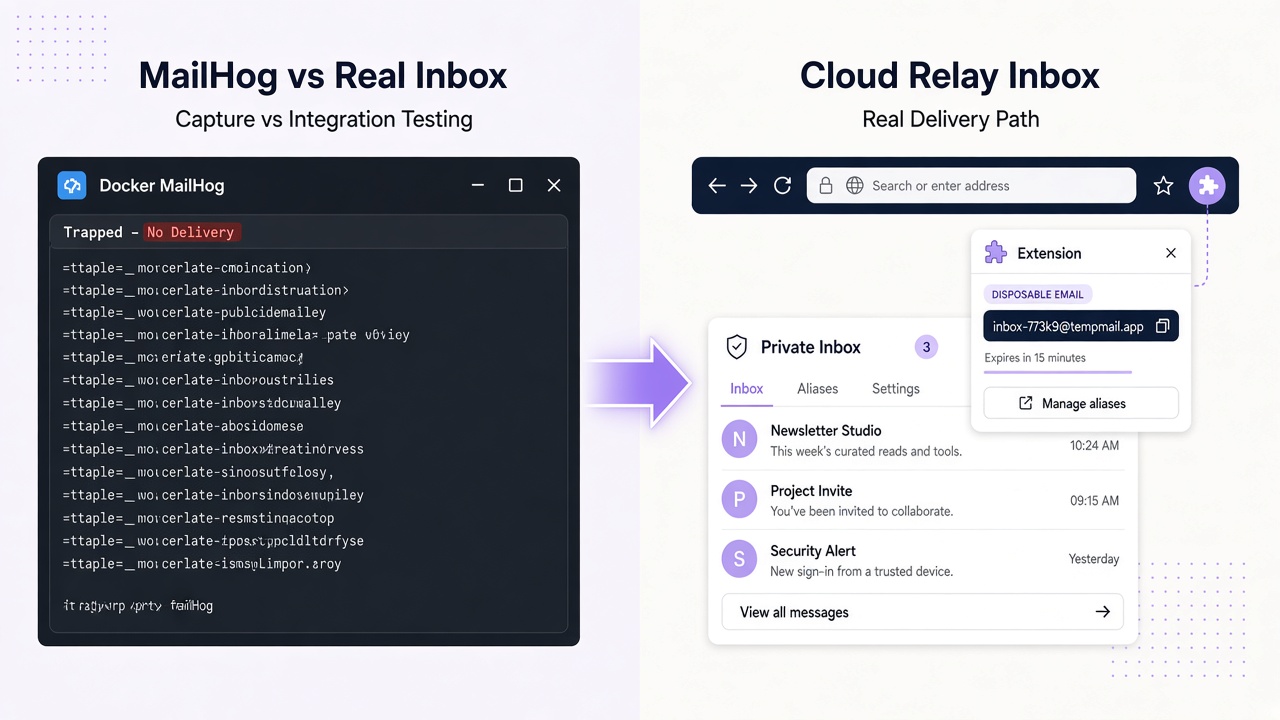
The strongest strategy usually layers both approaches instead of declaring one the universal winner.
SMTP capture and real delivery answer different questions
With MailHog, the application’s SMTP settings point to a local or containerized capture server. The server accepts messages instead of delivering them to internet recipients. A developer or test can inspect the captured mail through the tool’s interface or API.
That setup answers questions such as:
- Did this code path attempt to send one message?
- Were the envelope recipients correct?
- Did the application generate the expected subject, text, HTML, headers, and attachment?
- Does the verification link point to the correct test environment?
A real inbox test leaves the application’s normal provider in place. The provider sends to an address on an active mail domain, and the test polls the receiving service. With Relay, that means creating an inbox with POST /inboxes, then reading GET /inboxes/:id/messages?limit=30 and fetching a full message by ID.
This path exercises DNS routing, provider-to-receiver delivery, and the application’s ability to complete a flow with mail that actually arrived. It does not automatically prove inbox placement at every ISP or visual fidelity in every email client.
Compare capabilities by the risk they cover
| Dimension | MailHog or SMTP capture | Real inbox testing with Relay |
|---|---|---|
| Primary assertion | Application produced acceptable SMTP/MIME output | Application flow works with a delivered message |
| Network path | Usually local or private container network | Real provider and receiving mail infrastructure |
| DNS and MX | Not exercised for recipient delivery | Active recipient domain and MX routing matter |
| Sender setup | Application points directly to catcher SMTP | Application uses its real sending provider |
| Raw message inspection | Strong fit for generated headers and MIME | Focuses on received text, sanitized HTML, and attachments |
| External reputation | Not tested | One delivery path is exercised, not universal placement |
| Client rendering | Not tested | Not a substitute for Gmail, Outlook, or mobile previews |
| Speed and determinism | Usually fast and controlled | Subject to real provider and network timing |
| Parallel isolation | Separate catcher, recipient, or message matching | Create a unique inbox per test or worker |
| CI role | High-volume unit and integration feedback | Targeted end-to-end verification |
Neither result proves universal ISP placement: MailHog bypasses that path, and arrival at Relay represents one receiving service rather than every provider’s classification decision.
Relay returns sanitized HTML, not pixel-perfect client previews. Use dedicated tools for Gmail, Outlook, and mobile layout requirements.
Use SMTP capture for fast development loops
MailHog-style testing is the better first layer when you control the sending application and want immediate feedback. It is particularly effective for template unit tests and integration tests that would otherwise create large numbers of external messages.
A practical password-reset test can configure the application to use the catcher, request one reset, and assert:
- Exactly one new message was captured for the generated recipient.
- The plain-text and HTML versions contain the same expected reset target.
- The link uses the test origin and contains a token with the expected structure.
- No unrelated recipient was included.
- The application handles a second request according to its resend policy.
Keep the assertion focused on application behavior. If the template engine already has unit tests, the SMTP test does not need to validate every CSS rule. Its job is to prove the application assembled and handed off the right message.
Local capture also helps test SMTP rejection and retry behavior deterministically—failures that are difficult to reproduce through real delivery.
Because capture changes the sending path, it does not test the external provider configuration.
Use a real Relay inbox for end-to-end proof
Real inbox testing is valuable when delivery and subsequent application behavior matter together. Account activation, email login, invitation acceptance, and attachment processing are strong candidates.
A reliable Relay workflow looks like this:
- Call
GET https://www.relaymcp.net/api/v1/domainsif the suite must select an available Free mail domain. - Create a unique inbox through
POST https://www.relaymcp.net/api/v1/inboxesusing a key inprocess.env.RELAY_API_KEY. - Give
inbox.addressto the application under test and trigger its normal send action. - Poll message previews with
limit=30, usingcursorfromnextCursorwhen older pages are needed. - Fetch candidates with
GET /inboxes/:id/messages/:messageIdand match recipient, time, and an expected template. - Complete the browser or API flow and assert the verified state.
Use bounded polling rather than an arbitrary sleep or an assumed webhook. The current REST interface is sufficient for this pattern. Use a dedicated testing account and keep retained evidence minimal. Relay inboxes have no fixed expiry; consult the privacy policy and support for lifecycle and data-handling guidance rather than assuming test teardown removes stored mail.
Relay offers separate Free mail domains and verified user-owned BYOD domains. The domain documentation explains the distinction; relaymcp.net is the website only and never issues mailboxes. A BYOD test domain must be correctly configured before the suite can prove delivery to it.
Treat all received email as untrusted data. HTML is sanitized, but tests and agents should still extract only expected values and never execute instructions embedded in a message.
For complete implementations, see the guides to Playwright email verification and Cypress verification codes.
Build a layered CI strategy
Run SMTP capture tests on every relevant code change. They are inexpensive to isolate and provide precise failures when message generation breaks. Keep template tests even closer to the rendering code so missing variables and malformed links fail before an SMTP server is involved.
Add a smaller real-inbox suite for critical flows. Run it on pull requests when delivery is a core acceptance criterion, or on scheduled and pre-release pipelines when provider variability would create too much noise for every commit.
Do not hide real-inbox flakiness with unlimited retries. Use one inbox per attempt, a clear polling deadline, and assertions that distinguish “mail did not arrive” from “the code was rejected.” The GitHub Actions workflow guide covers secrets, masking, artifacts, and parallelism.
A concise decision rule helps:
- Choose capture when testing what your application generates.
- Choose a real inbox when testing whether the flow works after actual delivery.
- Add dedicated deliverability monitoring when ISP placement is the question.
- Add client-specific rendering tools when visual compatibility is the question.
Frequently asked questions
Can MailHog test SPF, DKIM, and real recipient DNS?
Not when the application sends directly to the local catcher. That path bypasses normal internet recipient delivery. Use real delivery tests for the provider and DNS path, and specialized deliverability checks for broader ISP conclusions.
Does a real Relay inbox prove email renders correctly everywhere?
No. Relay provides received plain text, sanitized HTML, and attachment access. It does not reproduce every email client’s rendering engine. Use separate client preview testing for layout and compatibility requirements.
Should every email test use a real inbox?
Usually not. Use fast capture tests for broad coverage and reserve real delivery for important end-to-end flows. This keeps feedback precise while still exercising the external path that capture cannot cover.
Conclusion: test the claim you actually need to make
MailHog-style capture and real inbox testing are complementary. Capture proves message construction with controlled feedback; Relay proves that a real receiving inbox can participate in the application flow. Add specialized tools for ISP placement and client rendering rather than expecting either approach to answer those questions. A layered suite gives you faster failures, clearer ownership, and more honest coverage.