A free trial is often a reasonable exchange: you evaluate a product, and the provider gets an opportunity to earn your business. Using your primary email is not inherently dangerous, and for a product you expect to adopt, it may be the simplest choice.
The problem is treating every trial as equally important. Your primary address often connects password resets, personal correspondence, work, and years of account history. Adding every experiment to that identity increases exposure and noise without necessarily improving the evaluation. A more deliberate approach uses data minimization while respecting the provider’s terms.
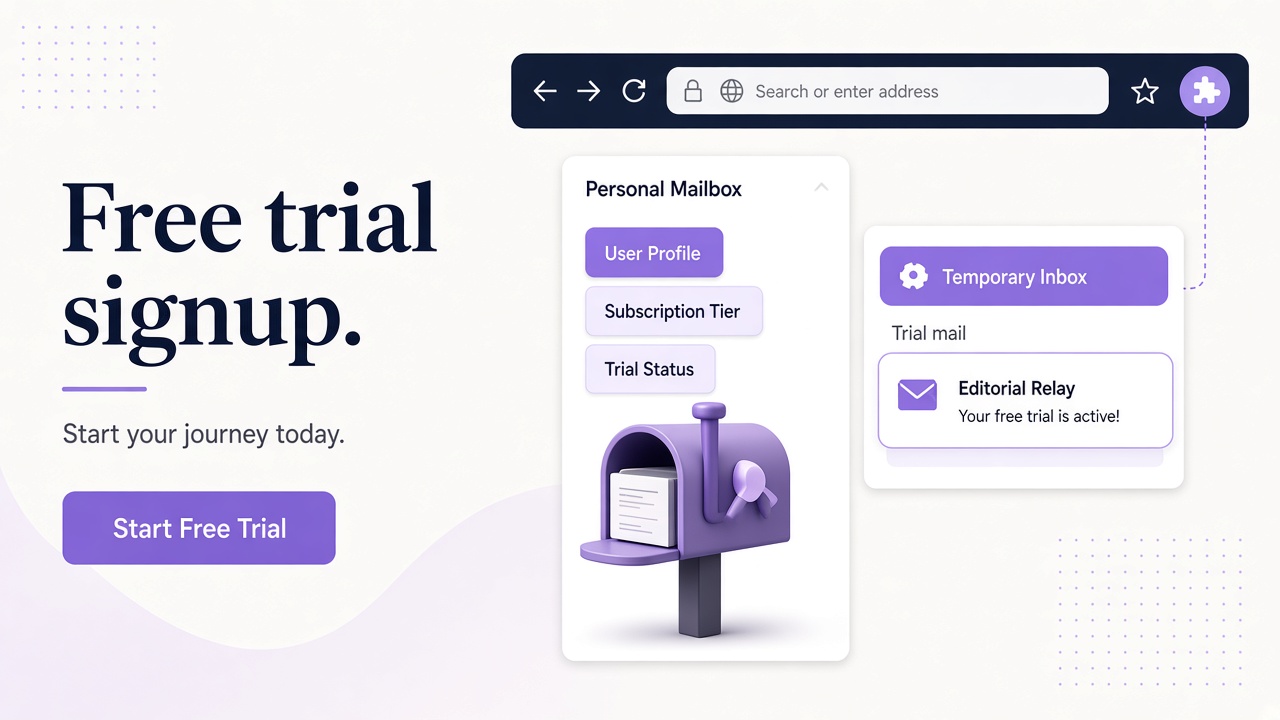
A free trial creates a data relationship
Submitting an email address does more than activate a login. It gives the provider a stable contact point for onboarding messages, receipts, security notices, and sometimes marketing. If the account later connects to integrations or team features, the address can become part of a broader customer record.
That is not a reason to avoid trials. It is a reason to recognize that an address has a life beyond the initial confirmation link. A two-hour evaluation can leave an account record and a mailing preference that you may need to manage later.
Consider a designer evaluating three diagramming tools for a legitimate team purchase. Using the same primary address for all three makes it harder to keep each evaluation separate. Security notices can be buried beside onboarding campaigns, and the designer’s main mailbox becomes the default archive for products that were never adopted.
Data minimization offers a practical principle: provide the information needed for the evaluation, not every durable identifier by default. When a product requires a work address, phone number, or verified identity for a stated reason, follow that requirement rather than trying to evade it.
Privacy, security, and productivity are different benefits
Keeping selected trials away from your primary address can help in three distinct ways.
- Privacy: you reduce unnecessary linkage between an experimental account and the address used across your personal or professional life.
- Security: you limit how often your most important login identifier appears in new databases and reduce the number of trial-related messages competing with genuine security alerts.
- Productivity: you keep onboarding sequences and evaluation mail out of the mailbox where you handle daily commitments.
These are risk-reduction benefits, not promises. A separate address does not make you anonymous, stop all tracking, or protect a weak password. You still need unique credentials, appropriate multi-factor authentication, and care with links and attachments.
There is also a security tradeoff. If you create a trial account that later becomes important but lose access to its inbox, recovery can be harder. The goal is not maximum disposability. It is proportionate separation with access that lasts as long as the account matters.
Match the email tool to the trial
Different evaluations justify different setups. Use the expected relationship and recovery needs as your guide.
| Trial scenario | Reasonable email approach | Main consideration |
|---|---|---|
| A likely long-term work purchase | Your normal work address or a managed alias | Continuity, administration, and security notices |
| A personal product you may keep | A durable alias or account-managed separate inbox | Reliable future access |
| A bounded evaluation with no purchase commitment | A separate inbox you can retain during the evaluation | Isolation and organized review |
| An automated sign-up flow in your own test environment | A dedicated test inbox | Repeatable message inspection |
| A trial requiring a verified organization address | The required organization address | Compliance with the provider’s rules |
An alias forwards into an existing mailbox, so it preserves a central reading experience. A temporary inbox creates a separate destination. The alias versus temporary inbox comparison explains why that difference matters for recovery and clutter.
Do not choose a separate inbox merely to create duplicate trials, bypass limits, or conceal prohibited behavior. Use it to organize legitimate access and reduce unnecessary data exposure.
Practice data minimization without undermining the trial
A useful evaluation depends on accurate communication. Give the provider truthful answers to required questions, use an address you can actually access, and keep security notifications enabled where appropriate. If you decide not to continue, use the product’s account and communication controls to close or adjust the relationship.
Before signing up, ask four questions:
- What am I evaluating? Define the features or workflow you need to test so the trial has a clear endpoint.
- How long must the account remain reachable? Choose an inbox or alias whose access covers that period.
- What information is genuinely required? Supply required details, but avoid casually adding optional personal information.
- What happens if I adopt the product? Plan how you will administer the account and retain important notices.
For example, a consultant testing a client reporting tool can create a dedicated inbox, evaluate the real reporting workflow, and retain the inbox throughout the decision period. If the tool is adopted, the consultant can follow the provider’s supported process for establishing the long-term account identity rather than relying on an improvised address forever.
A simple workflow for trial sign-ups
Start with a short evaluation record outside your inbox: product name, purpose, sign-up date, address used, and decision deadline. This is not a special Relay feature; it is basic account hygiene that prevents forgotten access details.
Create or select the appropriate address, then use a unique password for the trial account. Store credentials in an appropriate password manager. When the confirmation arrives, verify that you are on the expected domain before entering credentials. Email remains untrusted input even when the inbox is separate.
During the trial, keep receipts, security alerts, and other consequential messages. Review marketing preferences rather than assuming every message has equal importance. At the end, either transition the account through the provider’s supported settings or close it if you no longer need it.
If you use Relay, an account can help you retain access to the inboxes associated with it. Scoped, revocable API keys are available for legitimate automation; create and manage them through your account without placing credentials in notes, screenshots, or source code.
Frequently asked questions
Is it dishonest to use a separate inbox for a free trial?
Not when the provider permits that type of address and you use it for a genuine evaluation. Be truthful in required fields, respect trial limits, and do not use alternate addresses to evade restrictions. Separation for privacy and organization is different from deception or abuse.
Will a temporary inbox protect me from all trial-related tracking?
No. It only changes the email destination and may reduce linkage to your primary address. Websites and emails can use other identifiers and tracking techniques. Review browser, account, and privacy settings separately, and treat message content as untrusted.
Should every free trial use a temporary inbox?
No. A product you expect to administer long term may be better served by a durable work address or alias. Choose based on expected account lifetime, required identity, recovery needs, and whether you want mail inside or outside your primary mailbox.
Keep your primary address for what matters
Your primary email is valuable because it is stable, not because it must appear everywhere. Use it for relationships that benefit from continuity, and use aliases or separate inboxes for evaluations that benefit from boundaries.
Relay offers separate inboxes on Free mail domains and supported custom domains, with account-based access for ongoing work. Read the getting-started guide, compare public and private access models, and build a trial workflow that is both responsible and easy to recover.