An AI agent can fill in a registration form, but the flow often stops at a familiar instruction: check your inbox. Without an email address, the agent cannot receive a confirmation link, read a one-time code, or inspect the message that a system sends after an important event.
A temporary inbox closes that gap without turning a personal mailbox into an automation accessory. It gives the agent a defined place to receive mail for a specific task, while giving you control over access, test data, and cleanup. Just as importantly, it creates a boundary between outside content and the agent's decision-making.
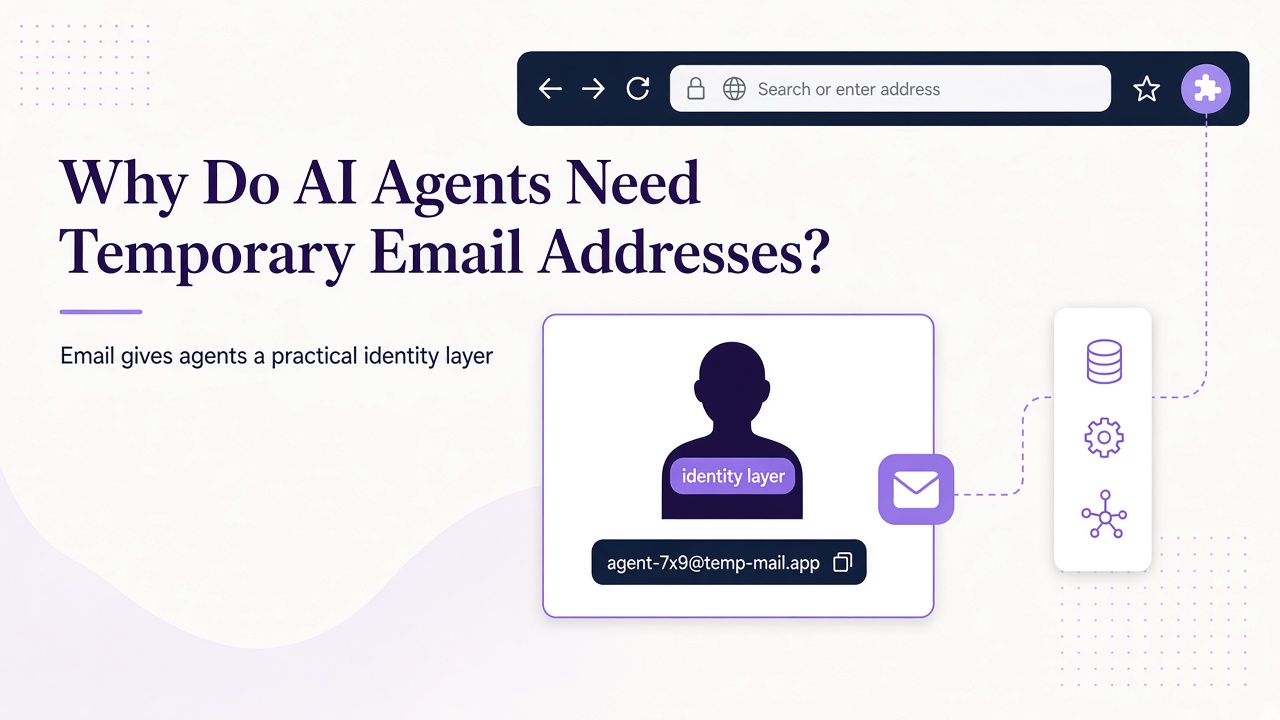
Email gives agents a practical identity layer
Many applications treat email as an identity and communication channel. A signup may remain pending until an address is confirmed. A password reset, invitation, receipt, or test notification may exist only in email. An agent with a temporary inbox can participate in these workflows instead of stopping at the form submission.
This is especially useful in environments you own or are authorized to test. A browser agent can register a test user, an inbox can receive the verification message, and the test can continue through the application's normal path. The result exercises more of the real journey than a mocked email response would.
Temporary email is not a way to evade a service's rules. Use it for legitimate testing, development, and permitted automation, and respect the target application's terms and anti-abuse controls.
Separate inboxes create safer trust boundaries
A personal inbox mixes private conversations, account recovery messages, and decades of context. Giving an agent broad access to it for one automated signup adds unnecessary exposure. A task-specific inbox limits what the agent can read and what a compromised workflow could affect.
Relay supports temporary inboxes on separate Free mail domains as well as user-owned BYOD domains. Free domains are useful for isolated testing; BYOD is useful when your organization needs control over its sending and receiving domain identity. The website at relaymcp.net is the product interface, not a domain that issues mailboxes.
The boundary also matters after a message arrives. Received email is untrusted data, even when the expected sender appears correct. A message can contain misleading instructions, unexpected links, or content designed to manipulate an agent. Relay sanitizes HTML, but sanitization is not a substitute for authorization checks and careful prompts. The defensive patterns in our email prompt injection guide should be part of the design from the start.
A useful inbox has an explicit lifecycle
Treat an inbox as a resource with an owner, purpose, and end condition rather than an anonymous address that appears in a script. A simple lifecycle has four stages.
Create and associate
Create the inbox for a named test run, then store its ID alongside the test account and environment. Keep the API key in an environment variable such as process.env.RELAY_API_KEY, not in prompts or source control. Choose a Free or BYOD domain deliberately rather than letting the address become an untracked implementation detail.
Wait and retrieve
After the application sends mail, poll for messages with a deadline and measured backoff. Relay's REST API supports GET /inboxes/:id/messages with limit and cursor, followed by GET /inboxes/:id/messages/:messageId for a selected message. Agents using MCP can perform the equivalent work with list_messages and read_message. The Relay API reference and MCP documentation describe the available interfaces.
Do not assume the newest message is the right one. Match the expected recipient, sender, subject context, and test-run correlation where possible. Extract a code or link only after those checks.
Complete and preserve evidence
Use the verification artifact in the authorized flow and record useful evidence: inbox ID, message ID, timestamps, and the resulting application state. Avoid logging message bodies or credentials unnecessarily.
Retire and clean up
End access when the test ends, revoke keys that are no longer needed, and follow your retention policy. Relay inboxes have no fixed expiry, so review the documented retention guidance separately from an agent's access. Contact support for questions about handling data that a workflow no longer needs.
The strongest use cases are bounded and repeatable
Temporary inboxes are a good fit for signup verification in a staging environment, end-to-end tests of notification templates, attachment retrieval in an owned workflow, and repeatable onboarding tests. They also help parallel test runs avoid sharing one crowded mailbox.
They are less suitable for long-lived personal identity, account recovery you cannot afford to lose, or workflows requiring a permanent audit archive unless you deliberately provide that retention. A temporary address also cannot guarantee delivery: sender policy, domain configuration, application validation, and timing all matter.
For browser-based registration, combine the inbox with explicit state transitions and evidence collection. Our guide to end-to-end signup automation shows how to keep that process authorized and observable.
Design for reliability, not just receipt
A working demo can become flaky if the agent polls aggressively, accepts any verification link, or creates duplicate inboxes after a timeout. Use a unique run identifier, persist created resource IDs, and retry read operations safely. After an ambiguous create response, inspect state before creating another inbox.
Set a maximum wait, distinguish an empty inbox from an API error, and make expiration visible to the test runner. If a message contains several links, choose by an allowlisted destination and expected path rather than link position. Keep message content out of system instructions.
Finally, apply least privilege to account API keys. Limit scopes to the work required and revoke access when the integration changes or retires. The account documentation is the right place to review key management.
Frequently asked questions
Is a temporary inbox the same as a fake email address?
No. A temporary inbox is a real receiving mailbox with a bounded operational purpose. It can receive actual verification messages and notifications. Its temporary nature concerns lifecycle and access, not whether delivery occurs.
Can an agent use temporary email on any website?
Technically receiving mail is only one part of the flow, but capability is not permission. Use automation only where you own the application, have authorization to test it, or know the workflow is permitted. Never use an inbox to bypass anti-abuse controls.
Does sanitized HTML make email safe for an agent?
No. Sanitization reduces risks associated with active markup, but plain text can still contain prompt injection, deceptive links, or incorrect instructions. Treat every message as data and independently authorize every consequential action.
Give the agent a mailbox with boundaries
Temporary email makes AI agents more capable because it completes real communication workflows, not because it removes safeguards. A scoped inbox, explicit lifecycle, careful message handling, and least-privilege credentials turn that capability into dependable automation. Start with the Relay documentation, choose the right domain model, and build your first verified test flow with trust boundaries in place.